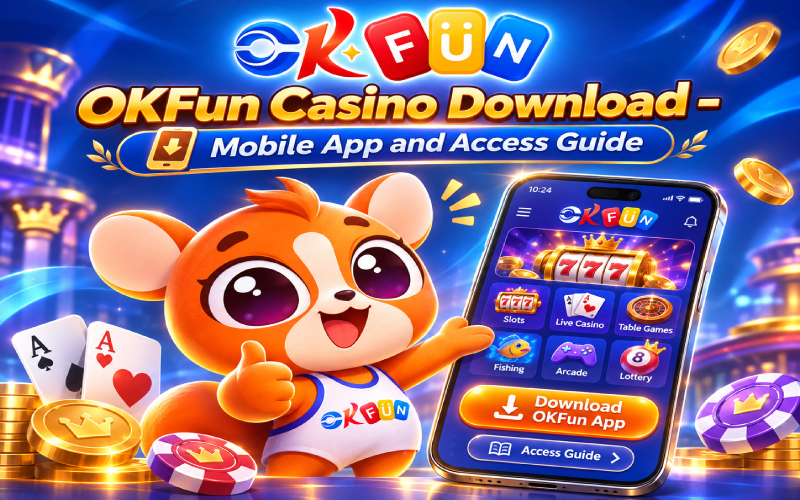
For Filipino players who prefer gaming on their phones, having a convenient way to access an online platform matters. The okfun casino download process gives mobile users a way to access OKFun through compatible devices. However, choosing the correct download source and following the right installation steps are essential. This guide explains where to find the official download, how Android and iPhone installations differ, what to expect during your first login, and how to protect your account.
What Is the OKFun App?
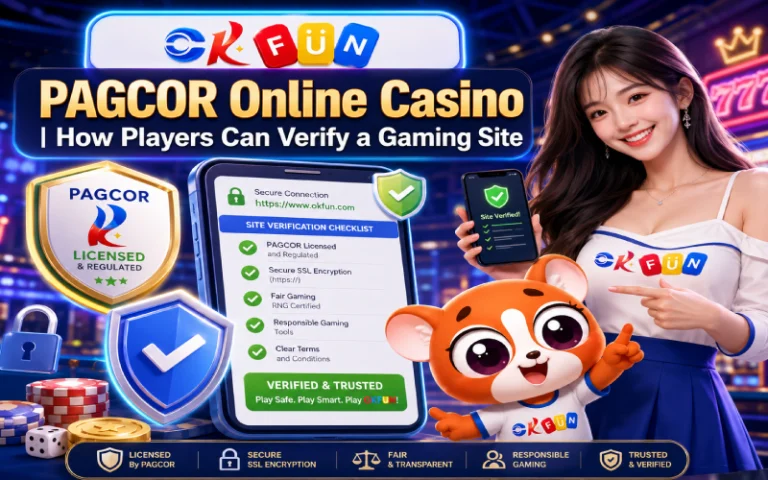
OKFun is an online gaming brand and business name owned by GAVIN VENTURES, INC. The company is regulated and licensed by the Philippine Amusement and Gaming Corporation (PAGCOR), according to the official platform information.
The OKGames mobile platform also provides access to different gaming brands, including OKFun. Players should use the official download page rather than unfamiliar websites claiming to offer alternative app versions.
OKFun Casino Download Details
When I checked the official OKGames download page, it listed the following technical information for Android and iPhone users.
| Platform | Version | File Size | Minimum OS | Age Requirement |
|---|---|---|---|---|
| Android APK | 2.0.93 | 56.7 MB | Android 12 | 18+ rating |
| iPhone App Store | Check the official page for the current figure | 117.6 MB | iOS 15.0 | 21+ listing |
Note: The official page’s FAQ separately states a 21+ minimum age. Confirm the current eligibility requirements before registering.
Use this information to identify the okgames apk latest version and check the correct okfun app casino apk file before installation.
Official source: https://okgames.ph/okgames-apk-download/
How to Download and Install (Android and iPhone)
For Android users
- Open the official OKGames download page using your mobile browser.
- Select the official Android download button and wait for the APK file to finish downloading.
- Open the downloaded file. Android will display a warning because the installation comes from outside Google Play.
- If prompted, allow installation from that specific browser or file manager through your device settings.
- Select Install and wait for the process to finish.
- Open the application and proceed to registration or login.
Only enable installation permission for the official source. Once installation finishes, disable the permission again. Keep enough free storage available for the downloaded file and installation process.
For iPhone users
- Visit the same official download page.
- Choose the iPhone download option.
- Follow the link to the official App Store listing.
- Check the application details and compatibility before tapping Get.
- Wait for installation, then open the app.
An APK is an Android installation package. iPhones do not install APK files; you can use the App Store version instead.
Access Guide (Registration, Login, and Account Tips)
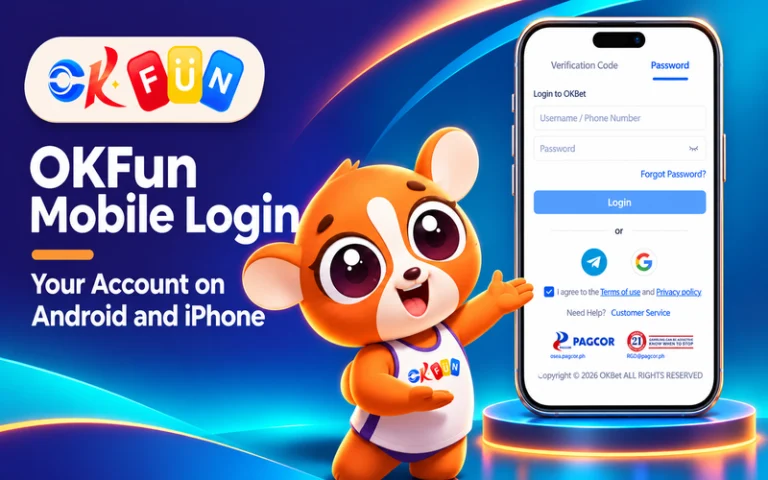
After installation, open the application and choose registration if you do not already have an account. Follow the displayed instructions and provide the requested information accurately.
For your first login, enter your registered credentials and complete any verification prompts. Keep your password private and never share one-time passwords (OTPs), even with someone claiming to represent customer support.
If the application will not open, restart your phone and check your internet connection. If an update fails, check available storage and download the newest compatible version from the official page. Avoid installing replacement files from third-party APK websites.
Keeping the application updated helps address security vulnerabilities, improve stability, and maintain compatibility with newer operating system versions.
Safety and Responsible Gaming Tips
Keep these precautions in mind before using the application:
- Check the URL: Make sure you are visiting the official OKGames download page.
- Avoid unofficial APKs: Third-party files will contain modified or unsafe software.
- Protect your account: Never disclose passwords, banking details, or OTPs to strangers.
- Check eligibility: Follow the platform’s current age requirements and applicable Philippine regulations.
- Play responsibly: Set limits, play for entertainment, and never chase losses.
Remember that an application download does not guarantee account security. Your own device and login habits also matter.
Conclusion
The okfun casino download process is straightforward when you use the correct platform and follow the installation instructions. Android users need the official APK, while iPhone users should use the App Store. Check the latest technical details and eligibility requirements before proceeding, and always download through the official OKGames source.
FAQs
Use the official OKGames download page and verify the file details before installing. Avoid third-party APK websites, which will distribute modified applications.
Visit https://okgames.ph/okgames-apk-download/. Check the displayed version and file size before downloading.
Download the APK from the official page, open the file, and follow Android’s installation prompts. Allow installation from the official browser or file manager only when necessary.
OKFun is identified as a brand owned by GAVIN VENTURES, INC., which is listed in PAGCOR’s regulatory records. You can also consult PAGCOR’s official website to verify current licensing information.
Check your internet connection, available storage, and Android or iOS compatibility. If the problem continues, obtain the latest installation instructions from the official download page rather than using an unofficial file.