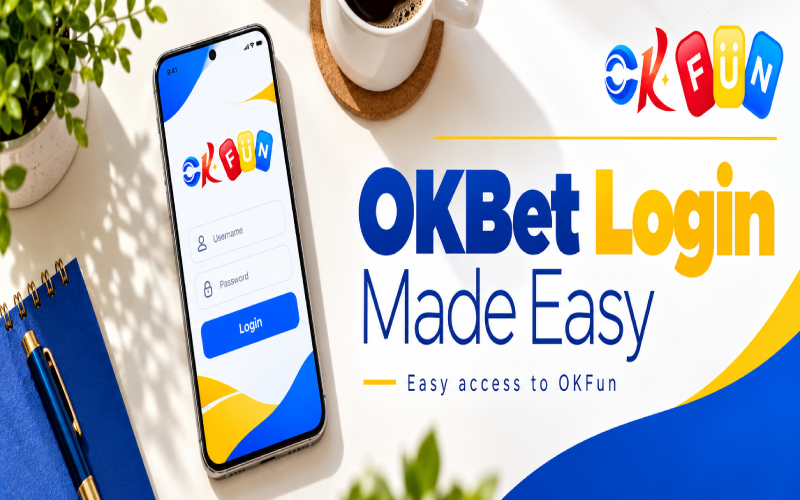
Need to access your account without wasting time? This guide explains the okbet login process, from entering a verification code to fixing common sign-in issues. It’s for returning players and newcomers who want to register using the available options. You must be 21 or older to play. Always use the official OKBet website or app, and check the page address before entering personal details.
How to Do Your OKBet Login Step by Step
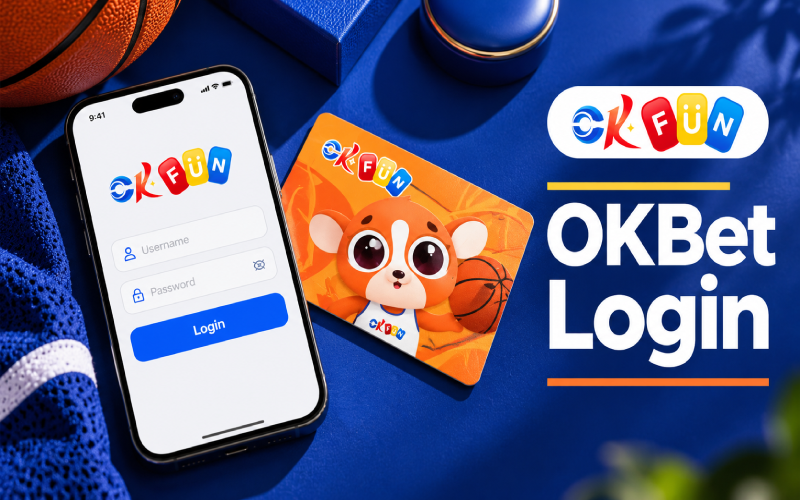
The login window offers two tabs: Verification Code and Password. Follow these steps if you want to sign in using your phone, GCash, or Maya number.
- Open the official login page. Check the website address before proceeding, especially if you’ve arrived through a search result or shared link.
- Select Verification Code. This option lets eligible users register or log in using a code instead of an existing password.
- Enter your number. Use your phone, GCash, or Maya number in the displayed format:
0XXX XXX XXXX. Check every digit before continuing. - Tap Send. Wait for the verification message and enter the code you receive. Keep your phone nearby so you can retrieve it without leaving the process unfinished.
- Tap Register / Login. The same button handles new and returning users. Follow the on-screen instructions if additional steps are requested.
- Agree to the policies. Tick the box confirming that you agree to the Terms of Use and Privacy Policy before continuing.
If you’ve already created a password, choose the Password tab and enter your login details. The screen also displays Telegram and Google icons as alternative sign-in options; use this only if you recognize the account being connected and trust the official page.
OKBet Login Options Compared
| Method | What You Need | Best For | Watch Out For |
|---|---|---|---|
| Verification Code | Phone, GCash, or Maya number and received code | New or returning users | Your number must be correct and able to receive the code |
| Password | Previously set password | Returning players | Check for typing errors |
| Telegram | Access to your Telegram account | Users who prefer the displayed alternative | Confirm the account and sign-in prompt |
| Access to your Google account | Users who prefer Google sign-in | Check which Google account you’re using |
Choose the method that matches your account and what you can access right now. If one option doesn’t work, check your details before repeatedly trying another method.
Logging In Through the App
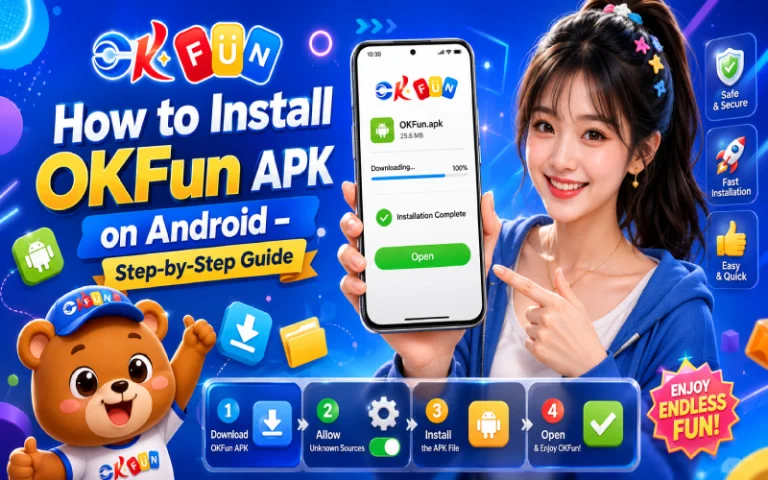
If you prefer using your phone, make sure you’re getting the correct app from a trusted, official source. Searching for an okfun plus apk will bring up third-party download pages, so don’t assume every file carrying that name is legitimate.
For installation guidance, read OKFun APK Installation before proceeding. If you’re researching an older app reference, OKGames App APK 2022 will provide background, but an article about a 2022 version doesn’t establish that the file is current or safe.
Download only from official sources and review your phone’s installation permissions carefully. Avoid granting unnecessary access to contacts, messages, or other personal data. Once installed, open the app and look for the same login choices available on the screen.
Common Login Problems and Quick Fixes
The verification code isn’t arriving. Check your signal, confirm that the number can receive messages, and wait briefly before requesting another code. Never share a code with anyone claiming to provide support.
The number format is wrong. Enter the number in the displayed 0XXX XXX XXXX format. Remove accidental spaces at the beginning or end and double-check the digits.
The checkbox isn’t ticked. Find the agreement box for the Terms of Use and Privacy Policy and tick it before proceeding. Don’t agree unless you’ve reviewed and accepted the terms.
You’ve forgotten your password. If you can’t remember it, check the official page for available account-recovery instructions or contact Customer Service through the link under Need Help? Don’t send your password to anyone.
The page is loading slowly. Check your internet connection, try a stable network, and reload the official page. Avoid repeatedly submitting the form while it’s still processing.
If you’ve just registered, check the available promotions and their eligibility rules before claiming anything. The OKBet Free 20 APK Latest Version article will offer additional reading, but don’t assume any reward is guaranteed or available to every account.
Account Safety Tips
Keep your verification code private, even if someone says you need it to confirm your account. If you use a password, make it strong and unique rather than reusing one from another website.
Log out whenever you use a shared phone or computer, and don’t save credentials on devices you don’t control. For account concerns, use the official Customer Service link shown under Need Help? instead of responding to unsolicited messages.
Play Responsibly
The login screen displays the PAGCOR logo and the website address osea.pagcor.ph, alongside a 21+ responsible gaming notice. Check the relevant regulatory details rather than treating a logo alone as proof of a licence’s current status.
Set a budget before playing, take regular breaks, and stop when you’ve reached your limit. Gambling can be addictive, so never chase losses or use money intended for household expenses. The screen lists [email protected] for responsible gaming concerns.
Getting into your OKBet account starts with choosing the right login method and checking your details carefully. Use official sources, keep your account information private, and review the current terms before playing.